
Bright Colors in UI Design: Benefits and Pitfalls
Bright Colors in UI Design: Benefits and Pitfalls Pros and cons of colorful UI: how bright colors can improve user experience and what pitfalls should be considered in their selection.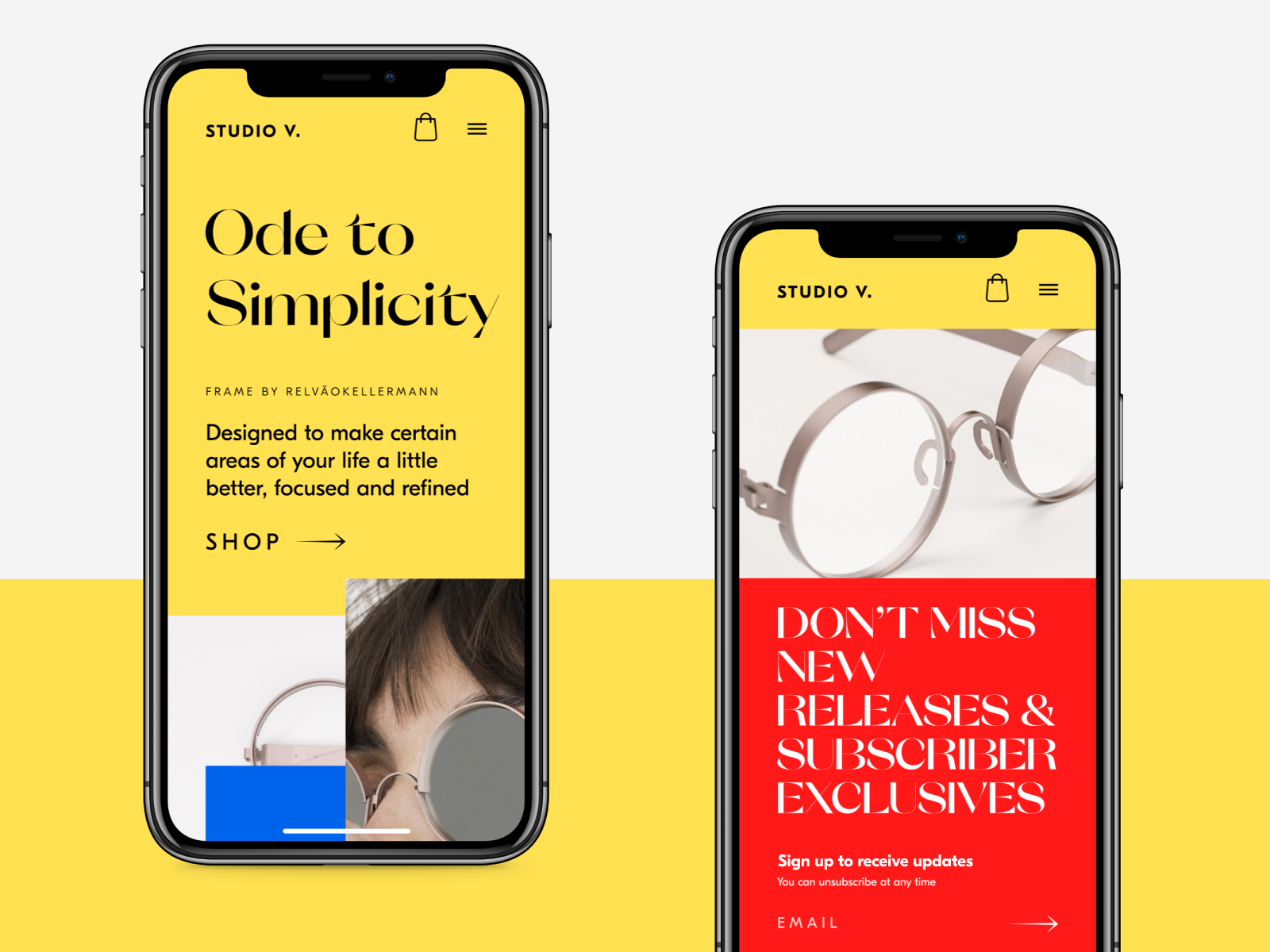
The skill of applying colors effectively is a must-have for everyone who works with visual compositions including illustrators and UI designers. Knowledge of color theory became even more prominent with the growing popularity of flat and material design directions. Vibrant colors and gradients are now seen in user interfaces of different digital products, from the playful and entertaining ones to business apps and websites. However, there are still lots of discussions about the impact bright colors have on user experience. The article provides an insight into the strong and weak sides of colorful UI.

How can bright colors enhance UI?
Increased readability and legibility
In one of our previous articles, we described factors influencing the choice of a color scheme. Readability and legibility are fundamental factors designers should consider when choosing colors. Just to remind, readability refers to how easily people read copy, and legibility refers to how quickly users can distinguish letters in a particular typeface.
Vibrant colors enable enough contrast helping to increase readability and legibility. Due to contrast, the layout elements become distinguishable and noticeable. However, a too high level of color contrast may not always work well. If the copy content and the background colors contrast too much, it will be difficult to read or scan the text. That’s why designers are recommended to create a mild level of contrast and apply high contrasting colors only for highlighting elements.
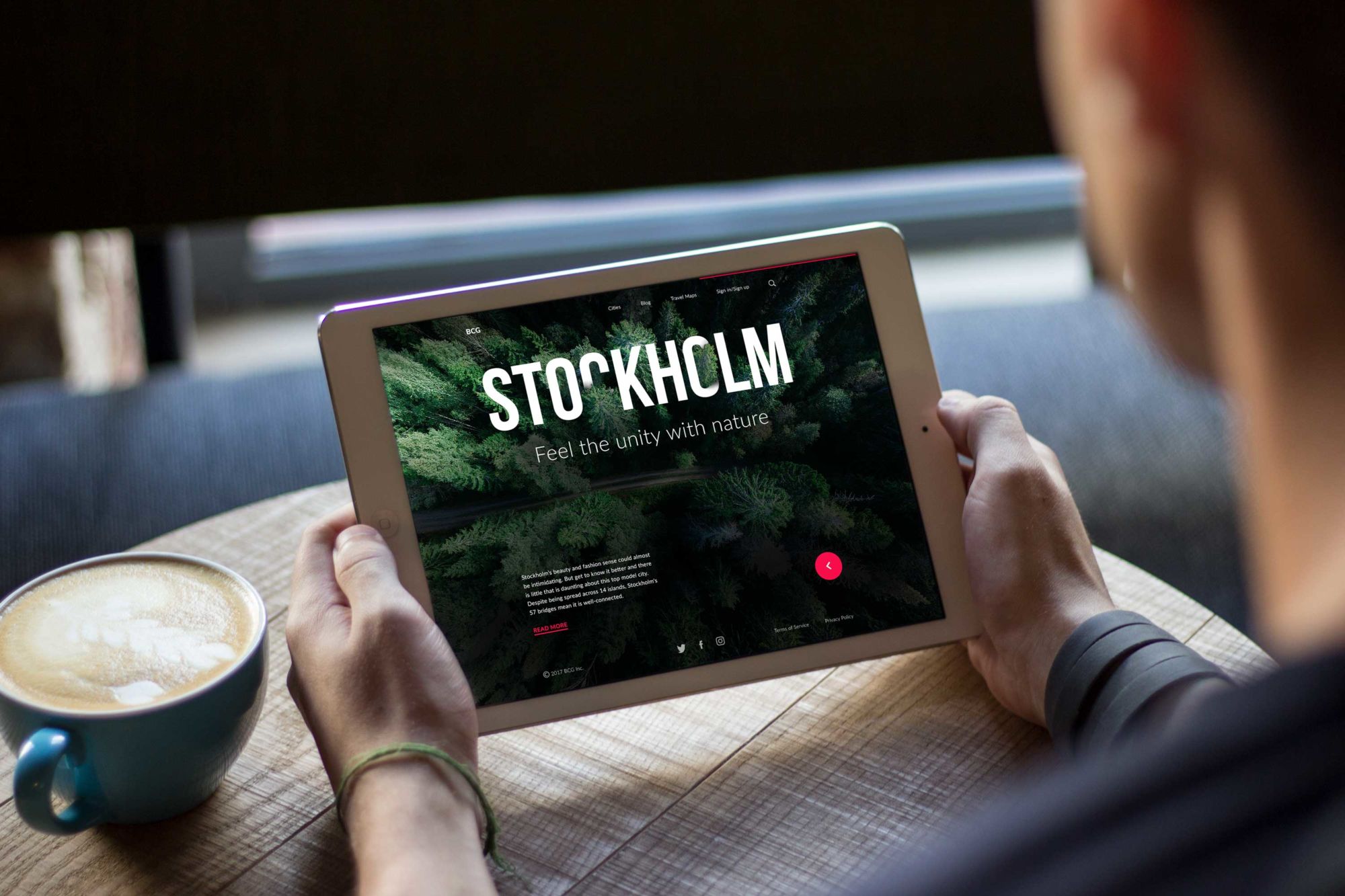
Landing page for Big City Guide
Sharpening navigation and enhancing intuitive interaction
Visual hierarchy is a core element for clear navigation and an intuitive interaction system of any digital product. UI components are organized that way so the brain can distinguish the objects by their physical differences, including color.
Colors have their own hierarchy, defined by their impact on users’ minds. There are bold colors, such as red and orange, as well as weak ones, such as white and cream. Bright colors are easy to notice, so designers often use them to highlight or create contrast. Moreover, applying a single color to several elements can show that they are somehow connected. For example, you can choose a red color for purchase buttons so that people can intuitively find them when they need them.

Tasty Burger App
Recognizability
The human brain reacts strongly to bold colors, which is why bright color combinations are easily noticed and remembered. The colorful UI design has a good chance of standing out from the crowd among many products with dull colors. The choice should be based on both the target audience’s preferences and market research.
Moreover, if a company has bright corporate colors applied to the logo and branded items, it can be a good idea to use the colors on its website or mobile app. This way the design creates consistency of visual solutions connecting all the company’s communication channels as well as increases brand awareness.
Book review website
Setting mood and atmosphere
To convey the right tone, message and call users to make the expected action, designers need to know that colors can influence our mood and behavior. Our mind reacts to colors while we usually do not notice it. The study called color psychology states that the moment our eyes perceive color, the brain gives signals to the endocrine system releasing hormones responsible for the shifts of emotions.
The properly selected colors help put users in the frame of mind that compels them to take action as well as set the right atmosphere transferring the right message to users. For example, if a designer creates a UI of a product connected with nature or gardening, there are high chances you will see it in the green and blue color palette. This way the design would be associated with a type of a product or service from the first sight.
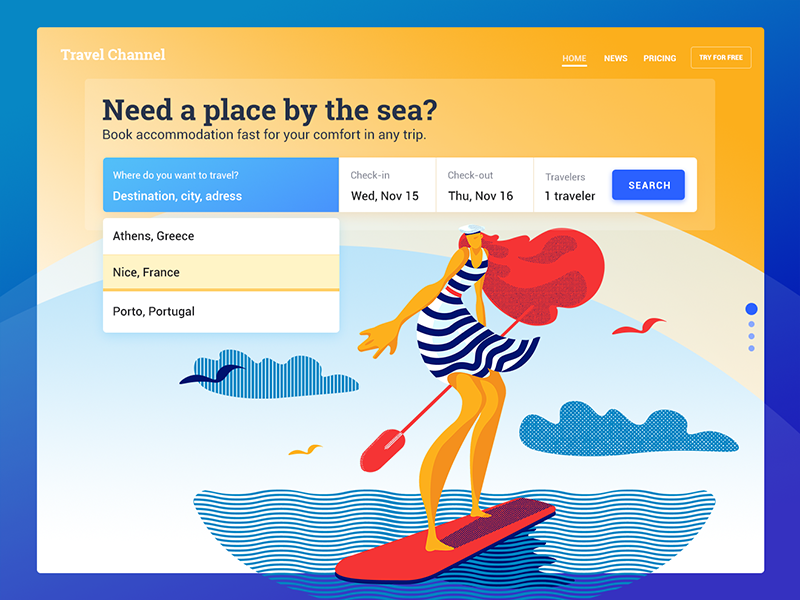
Booking service landing page
Trendy look and style
Bright colors and gradients remain among top trends in UI design. Now they can be found in various digital products, and the limitations of a strict business style seem to have stepped aside.
Bright gradient colors in user interfaces can convey a sense of modern technology and fresh ideas. A mobile app or website designed according to the latest trends often looks attractive and can capture users’ attention, even in high competition.
Ecommerce website design for mobile
Pitfalls of using bright colors in UI
Bright colors can be tough to match
Those who think that colors can be mixed solely on intuition and a sense of beauty make a big mistake. A basic understanding of how colors work and how they interact is essential if you want to create harmonious visual compositions.
The more vibrant colors you use in the UI, the harder it becomes to match them. To make users feel pleased and comfortable, designers try to bring balance and harmony into user interface design. The color harmony is about the arrangement of the colors in design most attractively and effectively for users’ perception. Harmonic color combinations contribute to a nice first impression from the website or application. The color theory defines several basic color schemes that were proven to work efficiently. Let’s see what they are.
- Monochromatic. Color harmony is based on one color with various tones and shades of it.
- Analogous. The scheme applies colors located right next to each other on the color wheel.
- Complementary. It is the mix of colors placed in front of each other on the color wheel and it aims to produce high contrast.
- Split-Complementary. This scheme works similarly to the previous one but it employs more colors. For instance, if you choose the blue color, you need to take the other two colors, which are adjacent to its opposite color, meaning yellow and red.
- Triadic. It is based on three separate colors that are equidistant on the color wheel. Professionals recommend to use one color as a dominant, the others as accents.
- Tetradic/Double-Complementary. The tetradic color scheme employs four colors from the wheel which are complementary pairs. If you connect the points on the chosen colors they form the rectangle.

Losing accents
Bold colors can be a tool for adding accents in UI, but they can also be the reason the accents disappear. Many vibrant colors in a single visual composition risk obscuring highlighted elements, making them part of a colorful mess.
That’s why designers are advised to use the 60%–30%–10% proportion. The biggest part should go to the dominant hue, the third of the composition takes the secondary color, and 10% goes to the color that helps make the accents. Such a proportion is thought to be pleasing to the human eye, as it allows the perception of all visual elements gradually.
Bright colors don’t suit all user groups
One of the core stages of digital product creation is user research. Defining and analyzing the target audience, designers learn what they expect from a website or app. Age, gender, and culture can influence a potential user’s preferences. For example, children like yellow color pretty much, but as we become adults it usually seems less attractive. Men and women generally prefer cool colors such as blue, green and their tints. Unlike women, men usually prefer achromatic colors including white, black and gray.
The same goes for bright colors. Even if you create a design for an entertaining app, you need to consider the specifics of the target audience. Middle-aged people usually prefer light UI, and they may not like bold colors across the screen, finding them a distraction.
Vibrant colors may look too contrasting on mobile screens
As we said above, bright colors can produce much contrast helping to highlight vital UI elements as well as contribute a desirable level of legibility and readability. However, too much of contrast may play a bad joke, especially with mobile interfaces because they are limited in space and can be used under diverse circumstances.
Small screens, ambient light, and bright fonts make a contrast image look unpleasant for users’ eyes. That’s why applying bright colors in mobile UI designers need to pay attention to the level of contrast between colors so that people would feel comfortable while reading text on a mobile screen.
To sum up, color is a great tool in a master’s hands and like any other tool, it has its strengths and weaknesses. To use it effectively you need to consider all its sides so you’ll be able to find the solutions appropriate to the design tasks and goals.
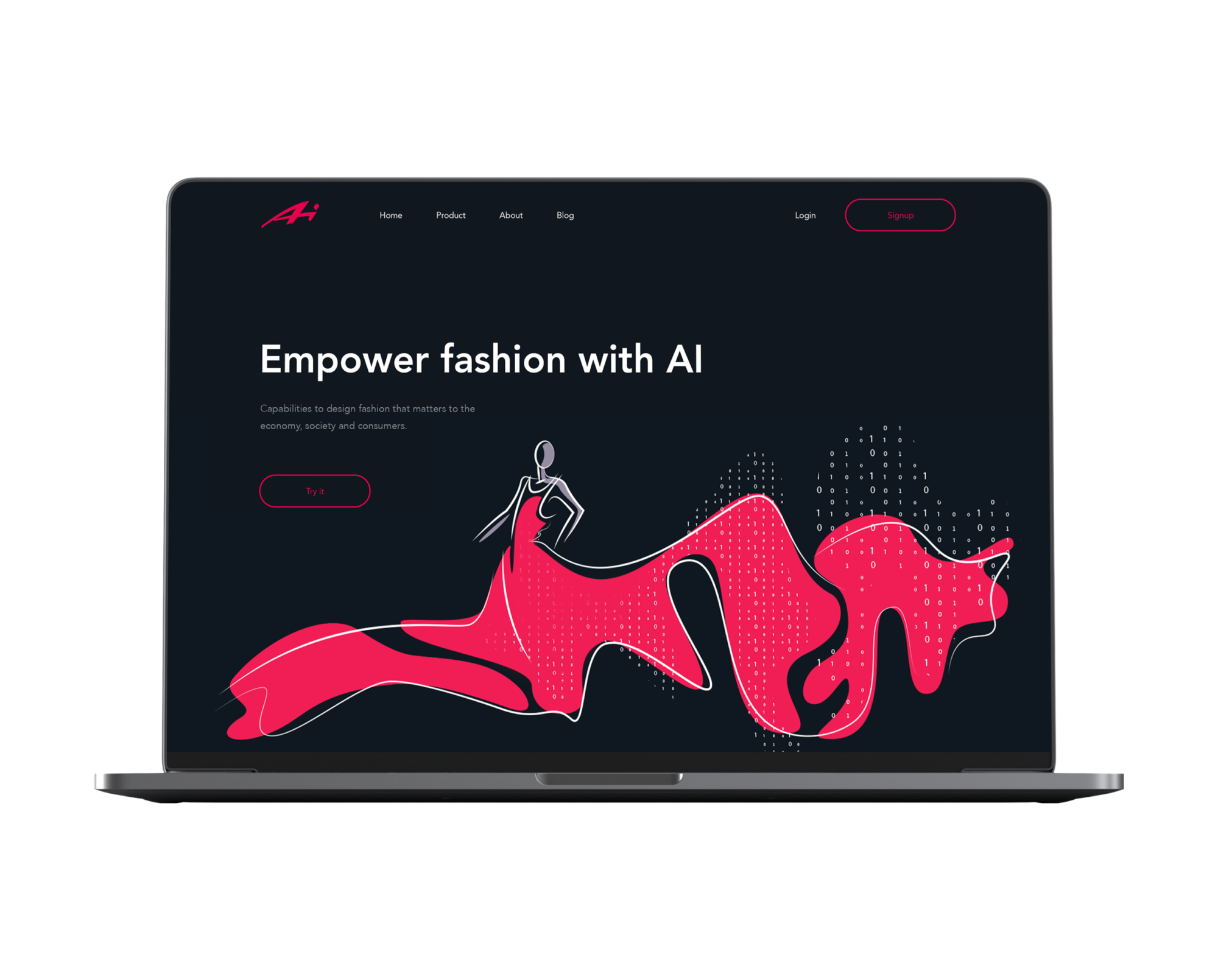
Landing page for the Designer AI tool
Useful Design Articles
If you are interested to learn more about colors in user interface design, this pack of articles may help.
Design Glossary: Color. Terms and Definitions
Color Theory: Brief Guide For Designers
How to Choose Between Light and Dark UI
Color in Design: Influence on User Behavior
Color Matters: 6 Tips on Choosing UI Colors
3C of Interface Design: Color, Contrast, Content
Originally published in Tubik Blog
 https://design4users.com/bright-colors-ui-design/
2026-01-18
© by
Marina Yalanska
,
https://design4users.com/bright-colors-ui-design/
2026-01-18
© by
Marina Yalanska
,
- English
- Ukrainian