
UX Design: How Video Content Can Enhance User Experience
UX Design: How Video Content Can Enhance User Experience Learn how videos can work as a part of a user interface, what types and design practices are popular, and how video content enhances UX design for web and mobile.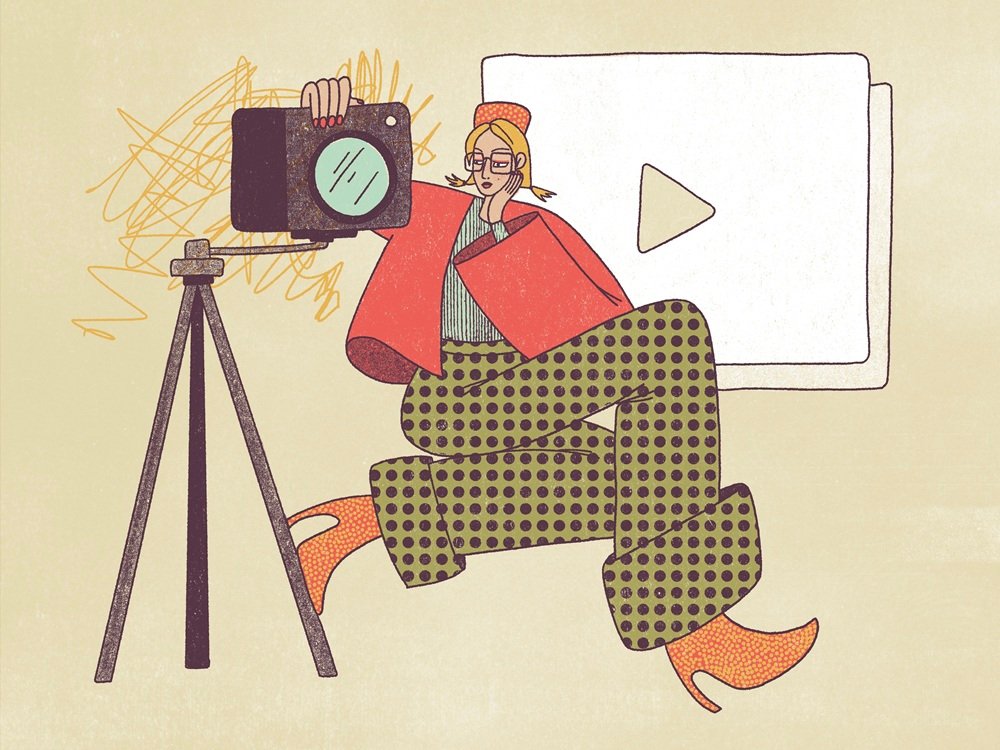
Integrating video content into web pages and mobile screens has been a steady trend in user experience design over the last few years. In this article, we review how videos can be used as part of the user interface, which types and design practices are popular, and how video content enhances UX design for web and mobile.
Theme illustration by Yaroslava Yatsuba
Types of Video Content in Interfaces
People are overloaded daily with diverse information from various channels. So, make no mistake: most website visitors or mobile application users aren’t going to spend much time learning about products or services, especially the new ones. In these conditions, video can become another effective way of communication: informative, dynamic, and attractive.
A catchy video crafted with an understanding of the target audience is a tool for attracting customers’ attention and a well-checked method of informing them quickly and brightly. Video content activates several channels of perception—audio, visual, and motion—simultaneously, and usually does that wrapped in telling a story. Such a combination of factors often makes a video presentation strong, emotional, and memorable.
Impressive video content on the White Desert website by Malvah Studio
Content and Goals Perspective
From the perspective of the content packed in motion and the goals set behind it, there are several popular types of videos we can often come across on different websites and applications.
Welcome (introduction) video: these are videos mostly used on websites, especially company and portfolio websites. This video usually aims at welcoming and greeting visitors and introducing a company, service, or person in a friendly and lively manner. Another option is the “about” video created to tell more about the company, people working for it, mission, achievements, etc. Videos of this kind should be quite short, concise, and telling a visitor the core information that could engage them to see more.
Promotional (commercial) video: this type of video is rooted in TV commercials and movie trailers. It’s created to inform people about a product, service, event, brand or company, new release or premiere, major updates of the product, and so on, and so forth, in a way that encourages people to learn more, buy, or join in. It’s a video playing a big part in increasing brand awareness and focused on getting the target audience aware of the offer and its benefits.
Showcase (showreel) video: that’s another type of video coming from the movie industry. It’s a video showcasing a set of previous works by a person or company. This one is usually quite long, about 2-3 minutes, and is often used as an impressive addition to the portfolio of people representing various creative spheres like design, animation, filmmaking, acting, modeling, marketing, and the like.
Video testimonials: These videos feature feedback from buyers and users, with them describing their experience with the brand, product, or company. This way, they show signs of trust and loyalty and contribute to a positive brand image and reputation.
Background video: This type of video is used in website design when the page background is not static. As technical improvements in web development don’t stop, video backgrounds and any other kind of video integration into web pages aren’t seen as a great challenge anymore. So, web designers often turn to full-screen videos as a way to capture people’s attention, create the needed atmosphere, and give an instant glance at the product or service.
Impressive background video on Roroshotellene by Spoon studio
Product videos: These videos are widely used as part of the e-commerce user experience, in particular on product pages and landing pages, to give details about the product’s features and advantages and inform customers about its problem-solving potential.
Video on the website for a robotics company by Standard Projects boosts interest and engages users to learn more about the presented product, its functions, and the people and story behind it.
Hero section video: This is another kind of web page video used in the hero section, which is the above-the-fold part of the web page, often the home page, that includes a prominent and attractive piece of content, be it an image, video, text, slider, or other elements. When choosing a video for the hero section, designers often breathe life into it, make it dynamic, and strengthen its emotional appeal.
Video guides and tutorials: These are classic how-to videos. They present video instructions of a different kind, showing the step-by-step process of interacting with a product, a piece of information (for example, a recipe), etc.
Explainer video: Basically, this video explains to the visitor what the website, app, product, company, or service is about, and often answers the most frequent questions that may arise about it. Being part of a branding strategy, it is focused on presenting the product or service’s benefits and explaining how to. It often employs storytelling, showing the flow of interaction or sharing particular cases and situations, and infographics, helping to understand the effect quickly.
Entertaining videos: These videos are more about fun rather than information. Their main goal is to encourage emotional feedback and connect it to a particular product, brand, or company. What’s more, videos of this kind have high virality potential because they involve fun; visitors may want to share them with their friends or audiences on social networks, thereby spreading the word about the brand.
Educational videos: These videos are often part of educational platforms and can cover a range of content, from specially crafted models that explain processes to wildlife or people performing different jobs.
Design and Technical Realization Perspective
From the perspective of how it’s made, we could mention such common types of video content for UI design:
Live-action videos: These videos are closest to the classic filming process and feature real people, objects, or locations. Their primary benefit is a substantial collection of real-life content that has the great power of setting associations and encouraging viewers’ empathy.
Screencast videos: These capture the screen and show specific processes. They are especially effective for various tutorials and product videos presenting digital products and software.
Live-action screencast videos: as the name suggests, this type combines the previous two types. In this case, viewers can simultaneously see what is happening on the screen and the person explaining.
Animation (cartoon) videos: These videos are very similar to cartoons, which means that they present an animated sequence of many still images that can be presented in a variety of visual styles: 2D (flat), 3D (having dimension and depth), and stop-motion (capturing individual frames and combining them in a sequence).
Motion graphics videos: these are based on animated graphic elements, such as shapes or text, designed to catch attention, impress, and set the theme without relying on storytelling. They also become a great help in cases when complex or abstract information should be visualized in a way that is easy to understand.
Photomontage videos: this video type imitates a slideshow, combining a set of photos in an animated sequence that can be supported by special effects, voice-over, or music. This type can work effectively to present various events, charities, or social issues, tell about companies, mark achievements and milestones, and the like.
Whiteboard videos: this is a captivating type of video, where the story, guide, or information flow is unveiled as a picture drawn step-by-step on the whiteboard.
Typographic videos: this is a type of video based on moving text. It helps to make text content perform in a more dynamic and emotional way and engage users who are not keen on reading static text content, so they do not miss core messages. In most cases, it is supported by voice-over or sound accompaniment, enhancing the message.
360-degree (immersive) videos: trendy and getting more and more popular, this type of video records a view in all directions at the same time, this way allowing the viewer to get the full panoramic view. These are, in particular, effectively used as a part of the shopping or booking user experience.
Functions of Video in UX Design
Being a type of content that is quite complex in production and often needing much effort for smooth integration, videos in user interfaces are often in question. However, there are different functions they can cover, often better and faster than other types of content. So, by analyzing the target audience and business goals and considering these functions, designers and creative teams make a decision if they need a video and, if yes, what type is better for their objectives and budget. Let’s take a quick glance at them.
Information
The core factor in making video content considered a part of the user interface is making the information flow clear and easier to perceive. In many cases, a short 1-minute piece of video can share a chunk of information that would take far more time for the visitor to read in text or try to understand from screenshots, mockups, and the like. That is a basic reason why various explainers, tutorials, and guides work well in video format.
No doubt, background videos applied to many web pages or screens now make them visually and emotionally appealing as well as informative, as the image instantly captures users’ attention much faster this way. They also support the integrity of the overall layout.
Services page and portfolio for Bloom company website by Beacoup
Demonstration and Presentation
One of the strongest points of video content is its ability to demonstrate products or services across all sensory channels simultaneously. If visitors are interested, they can watch the video and absorb a lot of information in a short time without scrolling, reading, viewing images, and keeping all those pieces of information in mind. Because human attention spans are short, video often helps users engage more effectively and increases the likelihood of website conversions. For instance, explainer videos or product videos allow for catching how to deal with it while the visitor is on the verge of interest. As well, for services that are focused on visual outcomes like design, advertising, illustration, art, modeling, and so on, well-crafted showcase videos can become the fastest way to the future client’s heart.
Video in the design for the website of 1820 Production by Carter Ogunsola O
Storytelling
Another strong point of video content is its ability to tell a story smoothly and engagingly, using the laws and techniques of visual storytelling, supported by voice narration or music that enhances that effect. People like stories: they clarify things, illustrate situations, are often fun and aesthetic, and they are often easier to perceive and remember. In most cases, storytelling videos follow a plot that moves through 3 basic phases: showing pain points, activating emotions, and offering the solution.
Atmosphere
As well as images, many videos integrated into UI are super powerful in setting the needed atmosphere, which is a part of the customer experience with the offered service, product, place, or event. This pushes the demonstration to a higher level, letting visitors catch the vibe in split seconds. That’s one of the reasons why immersive videos are getting more and more popular and in demand.
Decathlon-Quechua Lookbook website employs atmospheric photo and video content, immediately setting an emotional connection with customers.
Atmospheric video content integration on Roroshotellene by Spoon studio
Emotion
Whatever logical and clever people are, many of our decisions are partly or entirely based on emotion, not just facts. “I feel it,” “I like it,” “I want it” – aren’t these reasons often stronger than any logic, calculations, and analysis? Video content is often a good way to cover that point: because it uses multiple sensory channels and can consolidate multiple factors of influence into a time-saving, focused piece, it can establish an emotional connection with the audience more easily.
Product videos on Forager website by Manufactur
Points to Consider
Loading Time
This is a core thing to consider when you decide upon video integration into the website or application. This issue requires a thoughtful approach from developers and thorough testing. That’s especially vital for web pages that are expected to attract much organic traffic but can be downgraded in search results just because the loading time of the page is too long, while the bounce rate is high, as some visitors won’t wait long to see the page and will just move away. Think twice, consider technical options, and do your best to test that aspect. Otherwise, there won’t be much effect from even a very well-crafted video if it doesn’t even get a chance to be seen.
Contrast Issue
Integration of video content, especially full-screen backgrounds, which are well-spread these days, requires much skill and effort to find the right contrast and hierarchy of elements and integrate the navigation and text content properly so that the page wouldn’t turn into an illegible mess. Test the contrast on various screens, devices, and in different environments to make sure it doesn’t spoil general readability and doesn’t break navigation, leaving users lost in all that beauty.
Other Ways to Communicate
Make no mistake; video content is not a cure-all or a magic wand, as it could seem from everything mentioned above. Not all people like videos. Not all of them, interacting with your website or app, find themselves in conditions that are convenient for watching a video. So, don’t make the video your only way of communicating with visitors or customers. Support it with other ways of communication, like text and images. Otherwise, you risk losing a part of the audience just because video as a way of getting information is not comfortable for them. The “Show, don’t tell” rule may work, but the “show and tell” works better in this case.
Manipulations
Take care of allowing a visitor to manipulate the video where it’s needed, especially if it’s long and heavy. Think twice about using autoplay, as it may appear less convenient for your audience than the ability to control whether they want to watch a video or not. Make sure that the user can control the volume of the sound part, as audio autoplay as soon as the web page or screen is loaded is reported to be one of the most annoying aspects of the user experience. Put simply, consider the basic manipulations that will help users feel more confident with the video content in your web or mobile product.
Mobile Adaptation
What looks well on a desktop or TV may not work at all on a much smaller mobile screen. As more and more digital interactions move to mobile these days, you should also consider and test this aspect for all types of content, including videos. Make sure it looks clear and legible and adjusts well to any mobile screen.
Sure, that’s only the tip of the iceberg for such a deep and diverse topic as integrating video into user experience design, so we’ll share more examples, UX practices, and tips. Anyway, this article may help UX designers, marketing specialists, and businesses consider the benefits and pitfalls of using video content on websites and mobile apps. Stay tuned, and don’t miss the updates!
Useful Reading
For those who want to dive deeper into the topic, here’s a list of handy articles:
Guide to 6 Effective Types of Web Animation
Photo Content in User Interfaces: When and How It Works
The Anatomy of a Web Page: Basic Elements
5 Basic Types of Images for Web Content
How to Improve Website Scannability
How to Design Effective Search
Videos as Instructional Content: User Behaviors and UX Guidelines
 https://design4users.com/ux-design-video-content-for-user-experience/
2026-09-24
© by
Marina Yalanska
,
https://design4users.com/ux-design-video-content-for-user-experience/
2026-09-24
© by
Marina Yalanska
,
- English
- Ukrainian