
Interface Animation. The Force of Motion
Interface Animation. The Force of Motion The article analyzes features and types of interface animation as a powerful tool of efficient interaction enhancing positive user experience.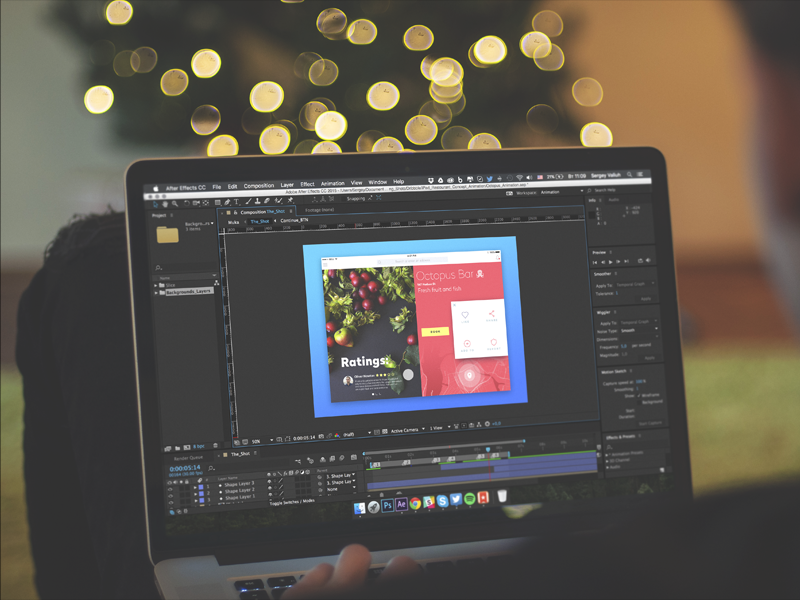
Even in ancient times, people recognized the power of motion. Literature, art, folklore, and technology all witness numerous attempts by people to explain motion as one of life’s brightest features. That is probably why the Latin aphorism “Semper in motu” (Always in motion) remains one of the most popular expressions, often becoming the motto of active people and teams that deliver outstanding results.
Working on diverse UX/UI design projects, designers are deeply aware of the role and potential of animation in modern, efficient user interfaces. Well-thought-out and tested interface animation, as well as icons, whose role we analyzed in one of our previous articles, are able to support fast and easy interaction and have a high potential to fulfill multiple functions. Today, we’d like to consider some aspects of interface animation, its functions, and its role in modern design.
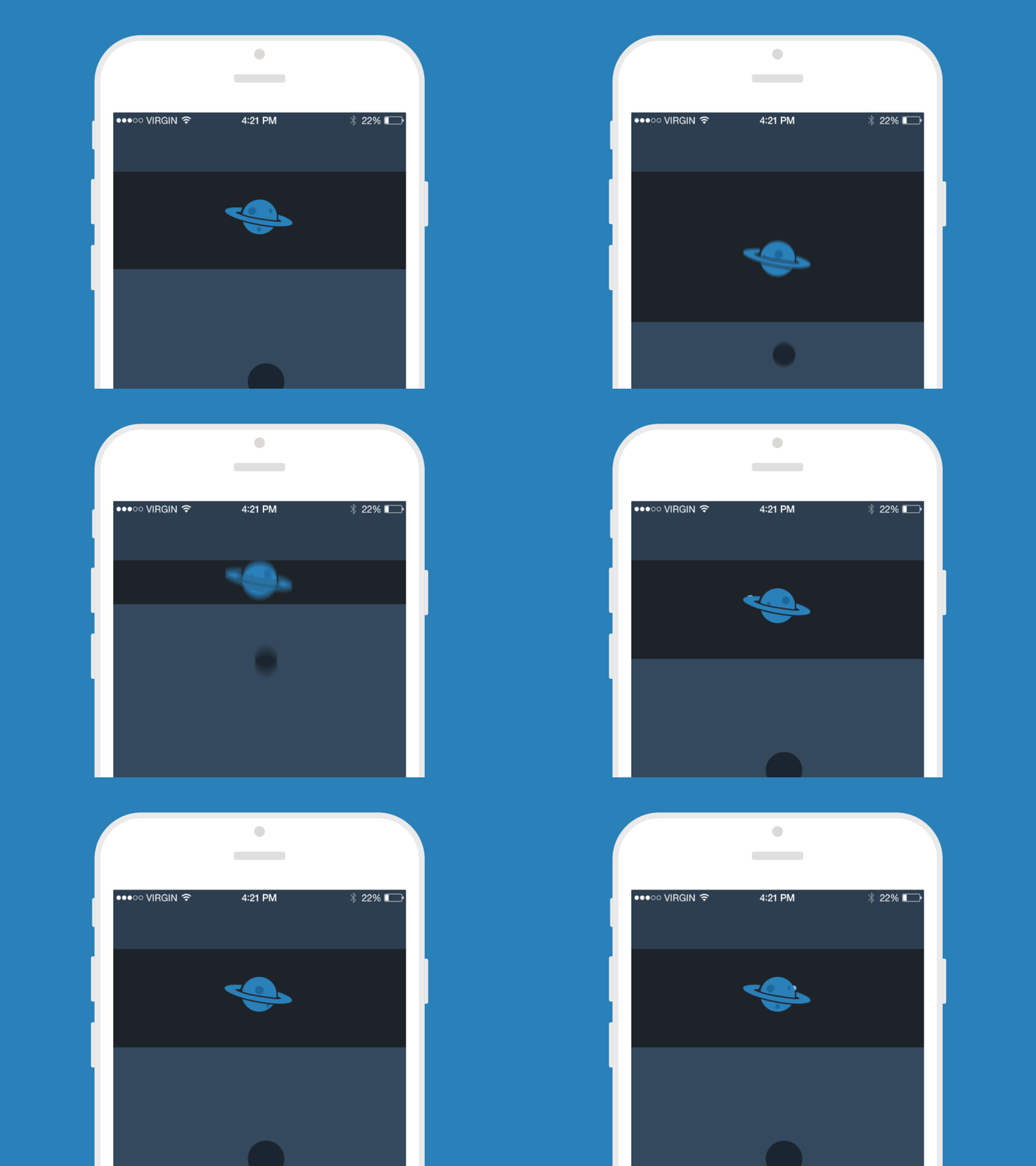
Pull To Refresh
The essence of animation
The term “animation,” so popular in various spheres of human activity, has an ancient and somewhat romantic origin. It origins from the Latin word anima meaning “air, soul” and in most cases defines the process of adding life and soul into the objects first of all via motion. So, animation is the process of creating the illusion of motion which started in times immemorial when people tried to show the illusion of movements in carvings or paintings and has become widely popular worldwide via animated cartoons. It opened new horizons to the artists and created a new field of work with images.
Nowadays, animation has also won its special place in interface design as one of the most important tools for successful interaction. As people are mostly visually driven creatures, the force behind the picture which is worth a thousand words gets even stronger with the help of animation. With the rapid growth of mobile devices animation got even more significant popularity and diversity, enabling fast and easy processes for touchable interfaces, especially on the go. Therefore, the animation is a very powerful way to make the product simple, clear, bright, and user-centered thus providing a positive user experience.
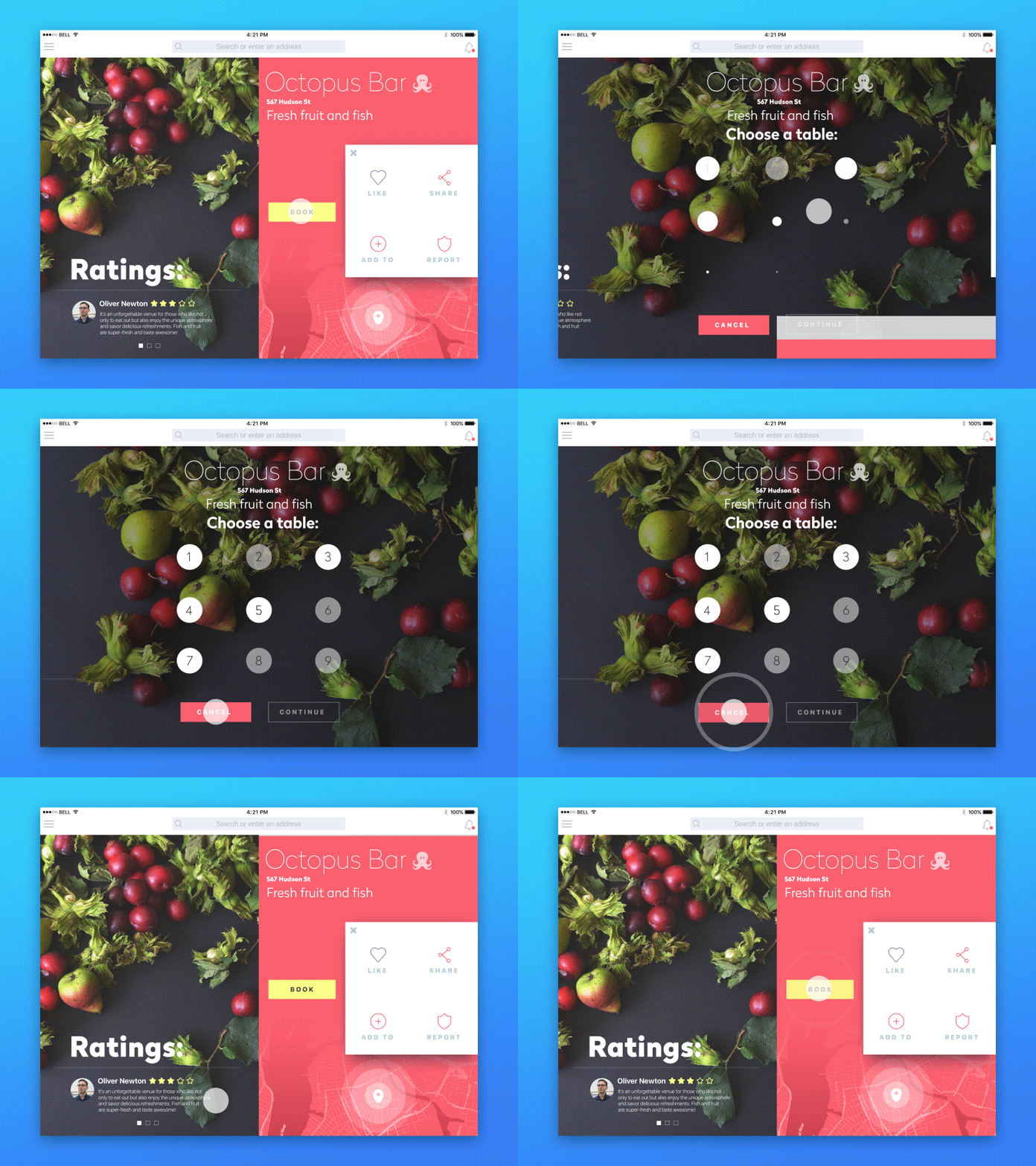
iPad App Interactions
Types of interface animation
Animation is a highly flexible and versatile tool that meets diverse user needs. In general, based on our practical experience of working with interfaces for different websites and mobile applications, we could define several functional groups of animation in UI:
- animation enabling microinteraction
- animation showing the path of the process
- clarifying/explanatory animation
- decorative animation
Before looking at them in a bit more detail, we should mention that this division is actually very relevant because, in most cases, designers try to apply several functions of the animated item at the same time to use its potential as much as possible.
Animation for microinteraction
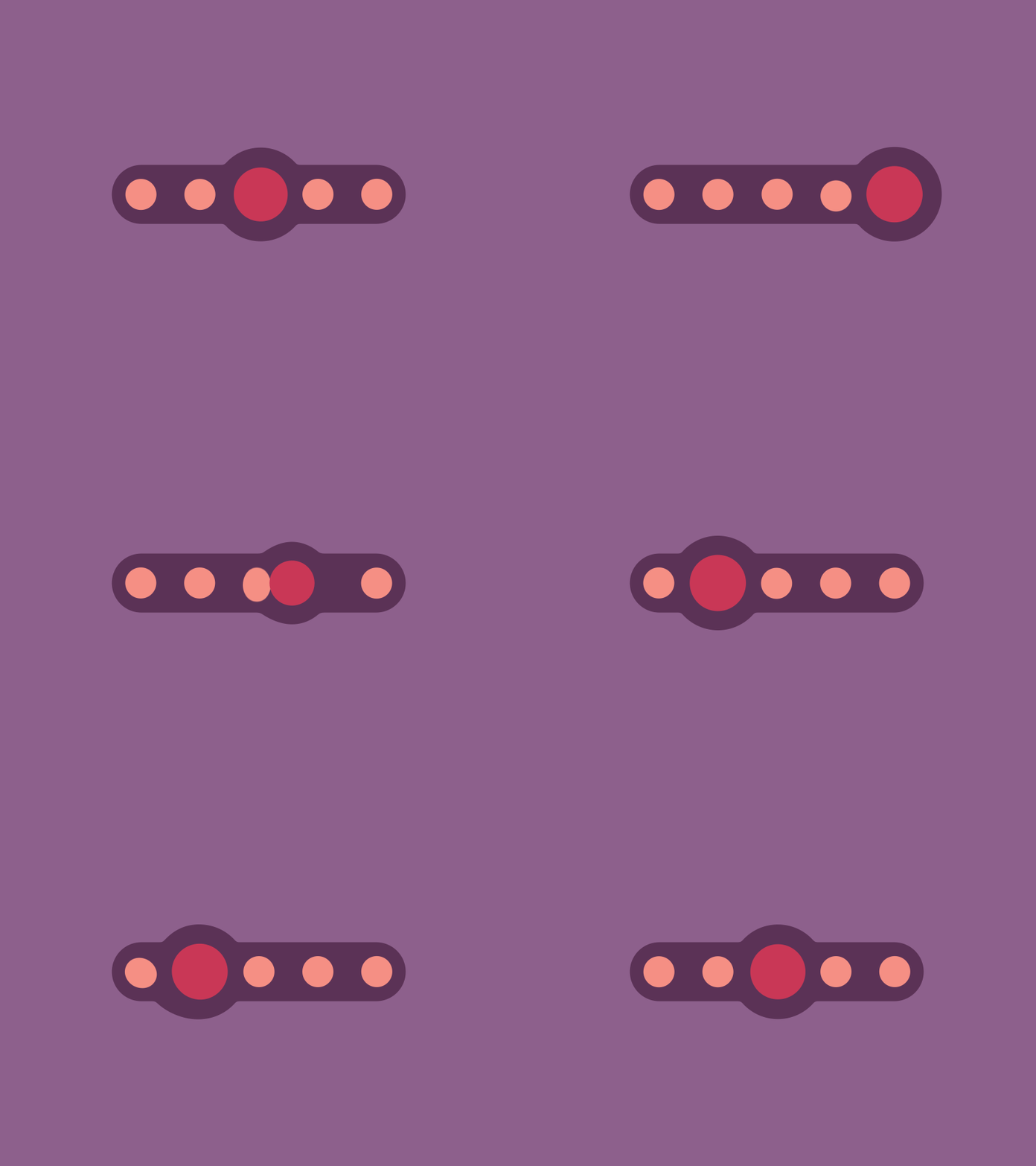
The first type, including animation enabling microinteraction is, perhaps, the most useful type of motion design in the aspect of user interfaces. It becomes a way to make interaction quick and clear for the user, often imitating real physical interactions such as pushing buttons, opening boxes or doors, pulling handles, and so on. Animation of this kind is like health: people do not notice it when it works properly, but understand its importance when something goes wrong. Microinteractions enabled by interface animation are often barely noticeable to users until they encounter the problem of their absence.
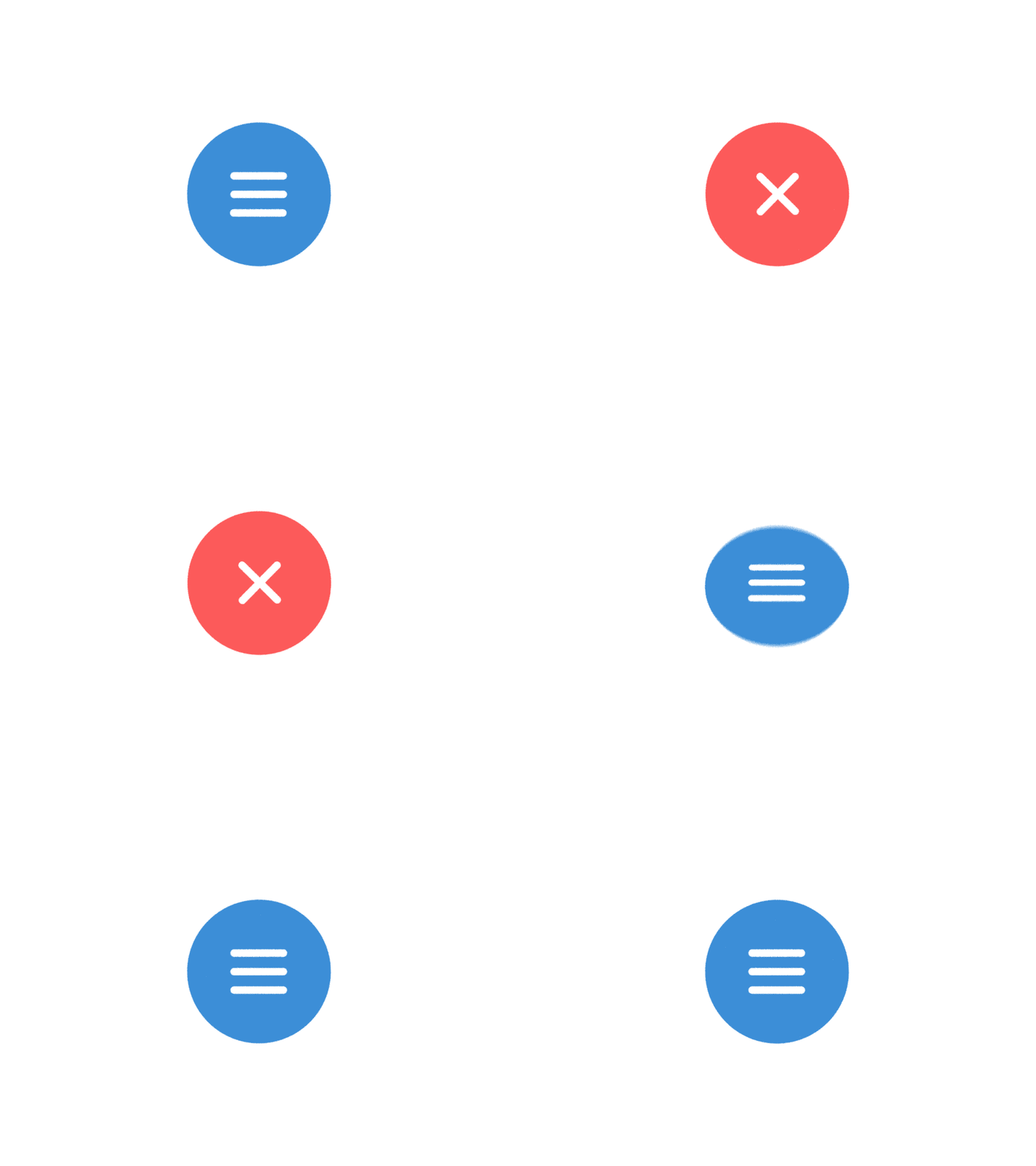
Hamburger Menu Animation
Rubber Indicator
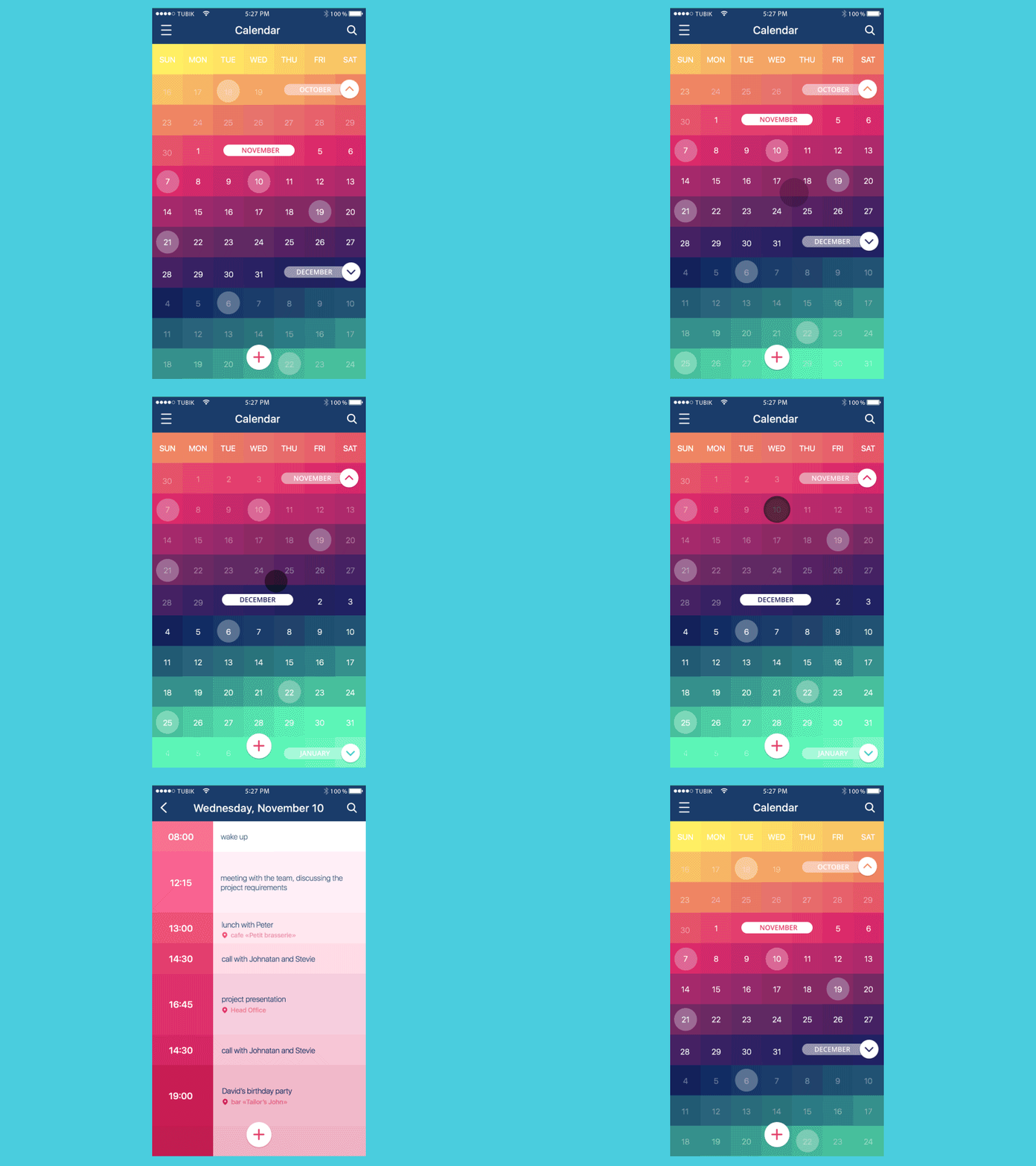
Microinteractions inform users that operations are complete: buttons are pressed, toggles are moved, required fields are filled, rules are applied, etc. And, vice versa, they can inform about the cases when the steps aren’t done successfully, so a user gets the information about the mistake or incomplete operation in a fast and easy way.
Animation applied for micro interactions is usually small but as all the small and simple elements of the interface, they take a lot of time and effort to become clear and boost the usability of the product.
Calendar App Animation
Animation showing the process
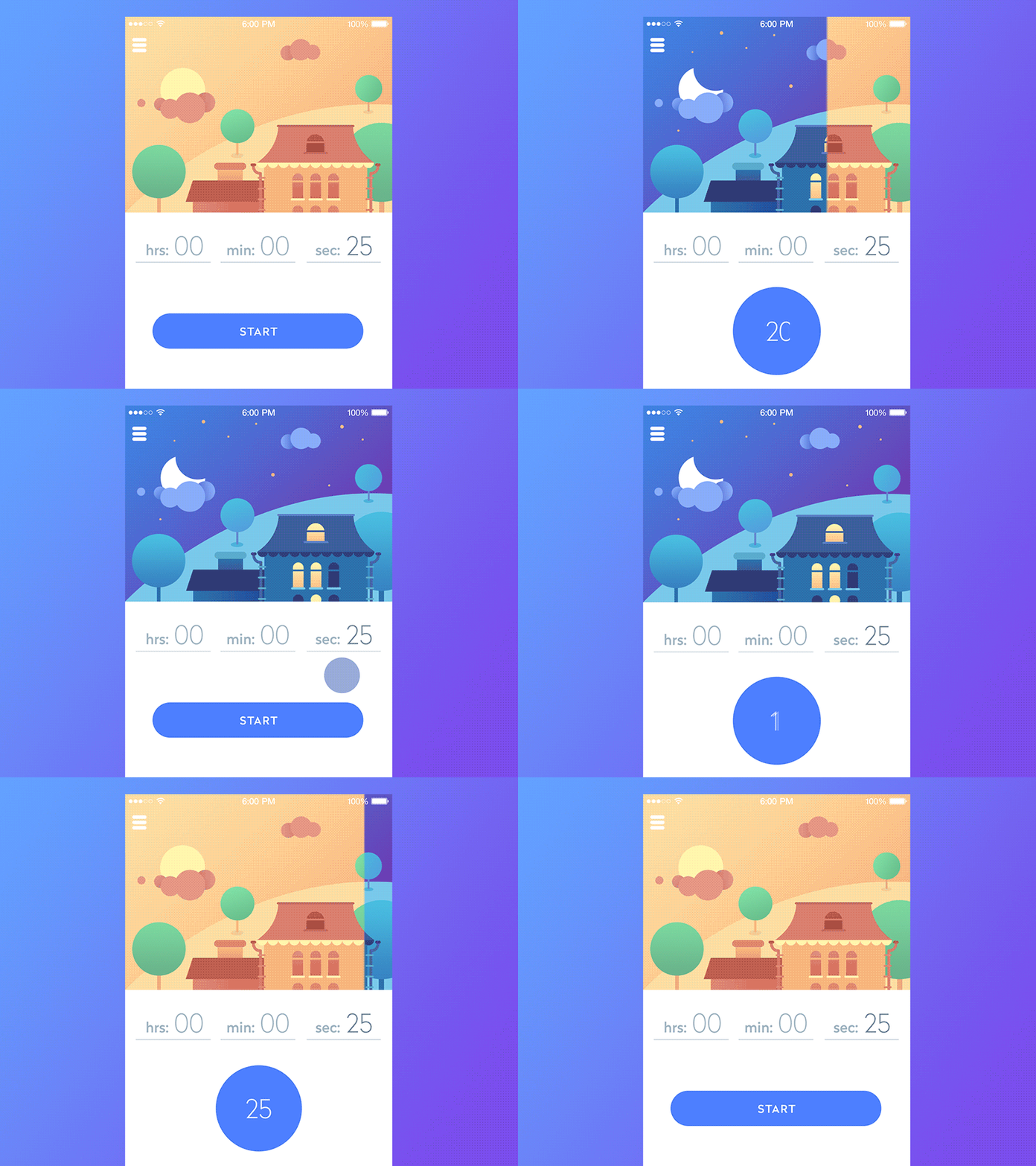
This type of animation is somehow broadening the potential of the previous type. It includes different ways of demonstrating the stage of the processes to the user, for example, different kinds of loading bars showing how fast the process goes, and activating users’ expectations of possible time and way of getting results.
Timeline App

Preloader
Clarifying/explanatory animation
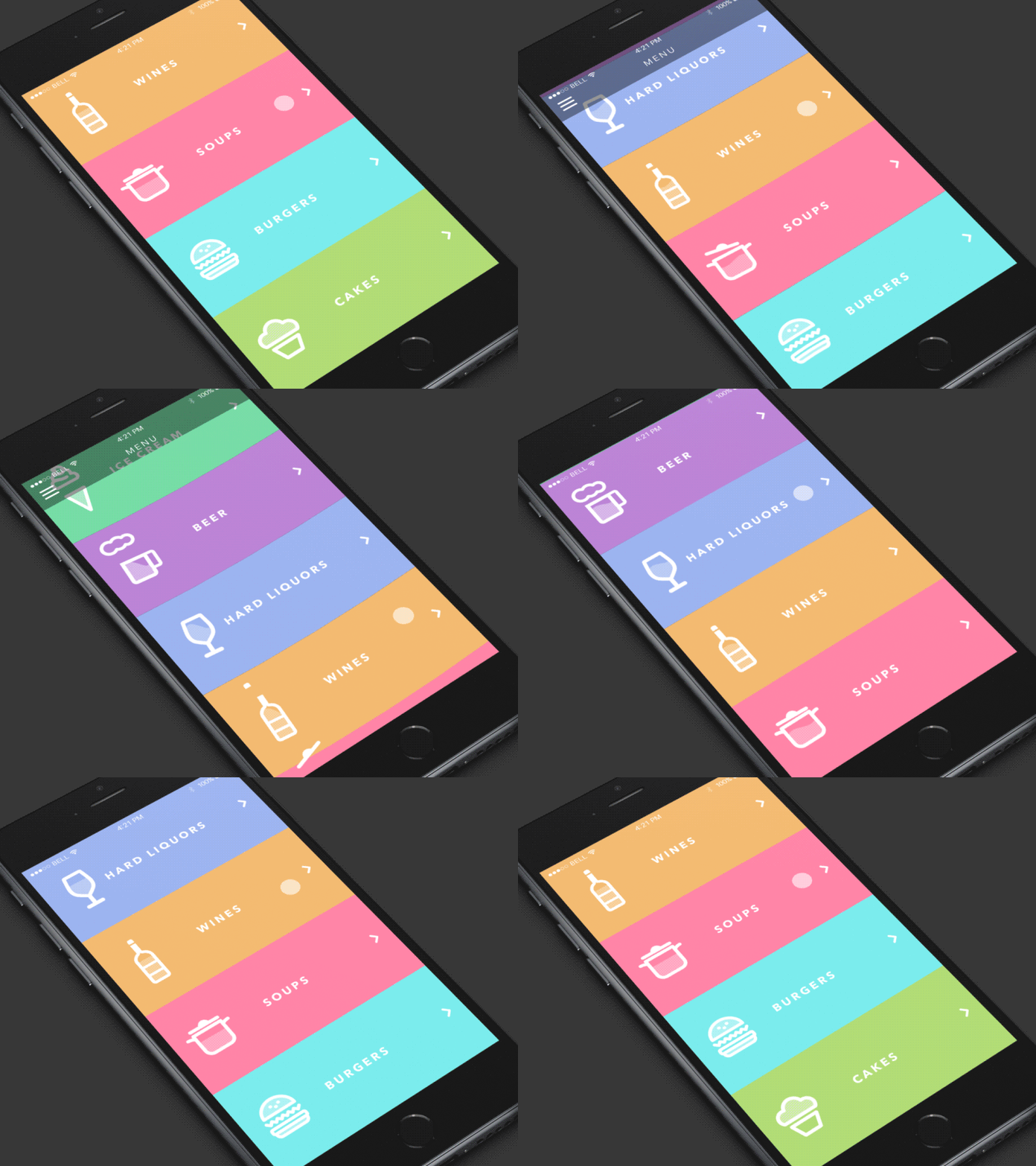
This type of animation is widely used in tutorials and tooltips, but its potential is much broader. Via motion of details, characters, illustrated items, or texts, they provide diverse prompts to the users on how to deal with the application. Also, animation of this type can engage users to take further steps that may not be so obvious at first glance or explain some more complicated operations. It is especially important to provide usability of the products with a large amount of information through which users should quickly find the one that is necessary for their aim. Therefore, they can increase the level of usability and, therefore, desirability of the product.
Restaurant Menu
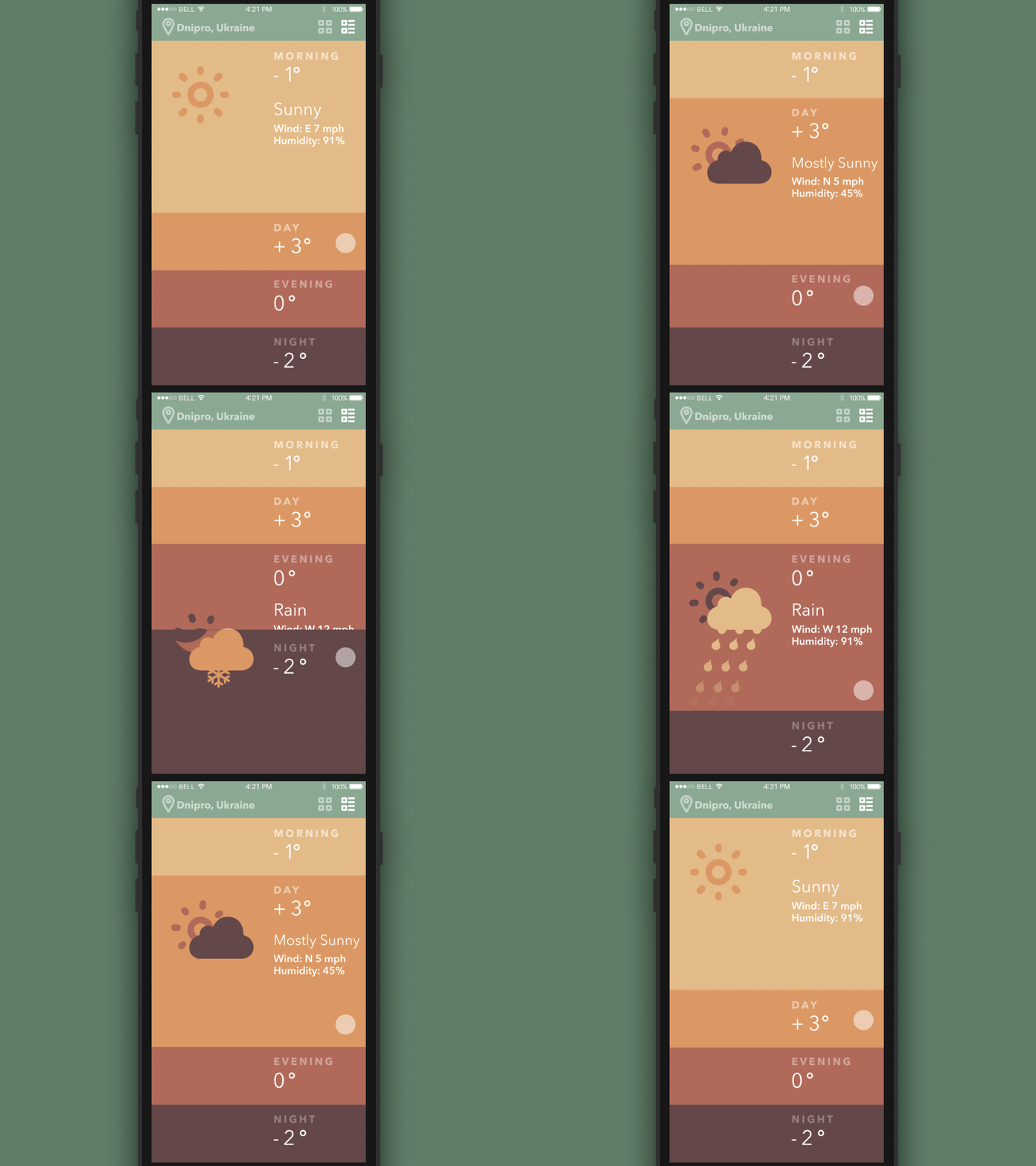
Weather App
Decorative animation
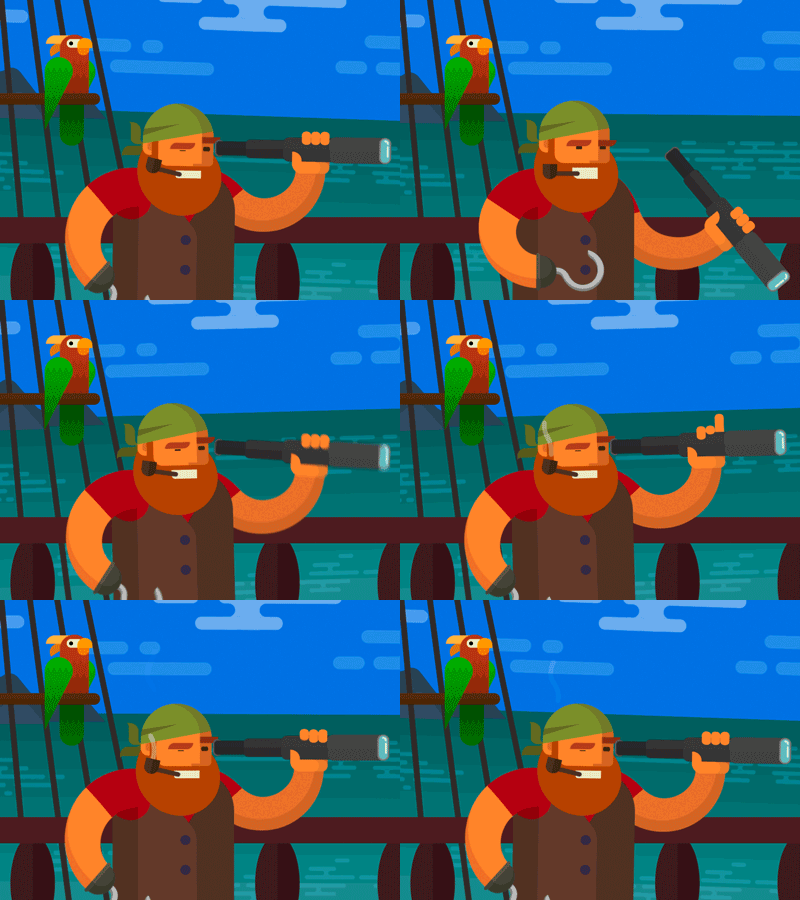
This type of animation is now commonly used to create original, engaging user interface designs that are often bright and eye-catching. Decorative animations liven the interface, and can add interesting details not providing really vital features of successful interaction but making the general image more interesting and standing out from the crowd. Decorative animations can become a good way of attracting users’ attention. However, they should be carefully analyzed from the perspective of retaining users in the long term.
Benefits and drawbacks
Among the essential benefits of interface animation, we would mention:
- increased usability
- originality
- convenient and easy interaction
- ability to fulfill several functions simultaneously
- high potential of speeding up the processes of interaction
- providing clear feedback to the user and creating necessary expectations
Everything mentioned above can seem like convincing factors for using animation all around the app or website, but in practice, we insist on being very careful and wise in applying motion in design. As nothing is ideal in our world, animation in UI also has several drawbacks that should be carefully researched and analyzed before deciding on a particular animation. Some of them are:
- taking up big traffic resources for loading
If your animation is too heavy and the conditions of the product use were not analyzed thoughtfully, it can bring out the problem of long loading and annoy users instead of creating positive emotions
- overloading the screen/page
Even purely decorative animations should have their aim, place, and function which is based on the general concept. The animation used for pure attraction and not enhancing positive emotions and efficient interaction risks losing lots of users who will find the way to their problem solution overloaded with unnecessary details.
Moreover, the screen, which is overloaded with animated items, decreases their potential. To make the analogy, you can like one song very much, but if you hear it everywhere a thousand times per day, you can end up hating it just because you are fed up with it. Animation brings the same thing: when it is interesting and engaging in detail, it will work successfully to help the user and will look attractive in contrast with static elements. But if you move everything on your page, users will get tired quickly. You can feel the power and joy of motion only if you can stop when needed.
- distraction
In the case of user interface design, even the smallest piece of animation should correspond to the aim of the page or screen. So, first of all, UI/UX designers should research and think over the functions and aims of the screen or page as well as the abilities and wishes of the target audience which will interact with them. If the animation doesn’t solve any problem, doesn’t enhance a positive experience, and doesn’t support the user, it would be better to omit it in order to create the performance of the product only with essential details not overloading the general process.
To sum up, interface animation is a great way to retain users today as it makes their user experience pleasant and enables faster problem solving. However, the designer should deeply analyze its potential for increasing the usability, utility, and desirability of the product before deciding to apply it to the product.
Useful Reading
Here’s a set of handy articles for further reading on the theme of UI animation:
How To Use Animation To Improve Mobile User Experience
Guide to 6 Effective Types of Web Animation
What Is Conceptual Animation and How It Works in UX Design
Interface Animation: Eye-Pleasing, Problem-Solving
Animated Interactions. Motion on Purpose
UI Animation. Microinteraction for Macroresult
Animated Logos: When, Why, and How to Use
Originally written for Tubik Blog
 https://design4users.com/interface-animation-the-force-of-motion/
2026-01-12
© by
Marina Yalanska
,
https://design4users.com/interface-animation-the-force-of-motion/
2026-01-12
© by
Marina Yalanska
,
- English
- Ukrainian